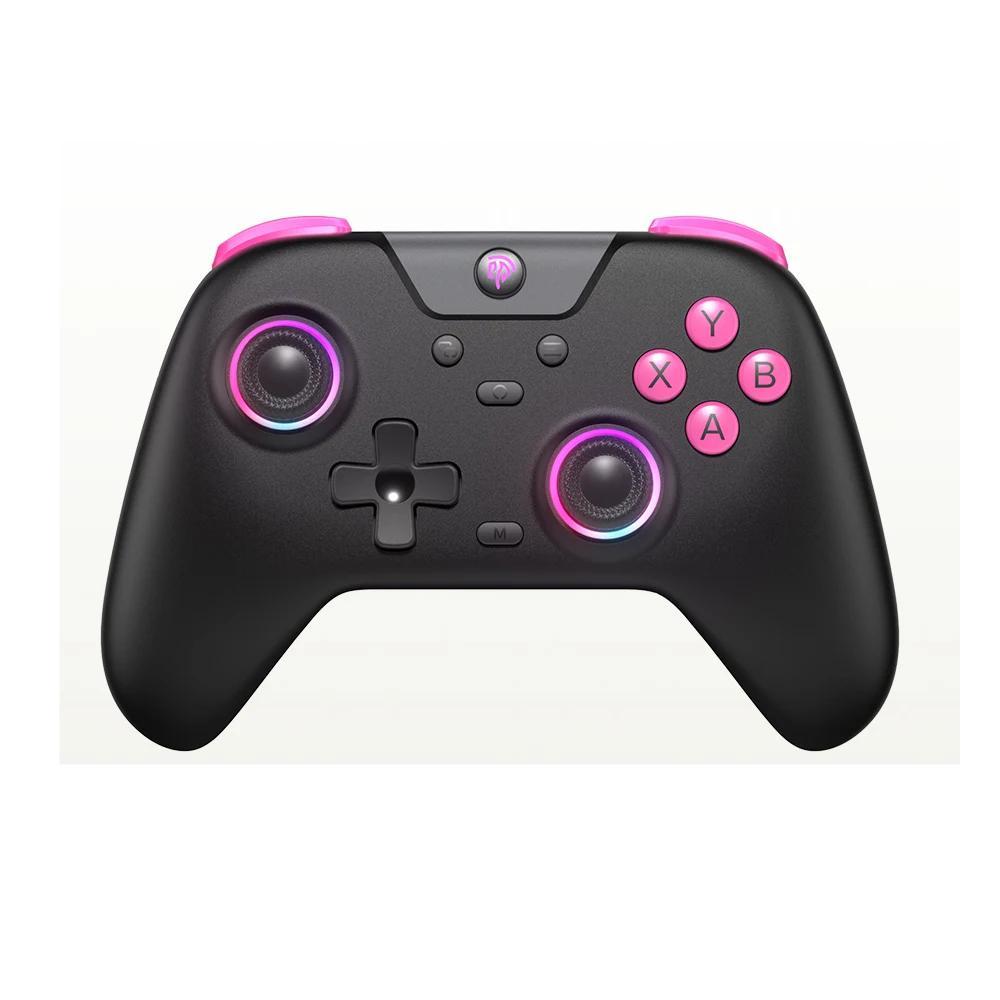
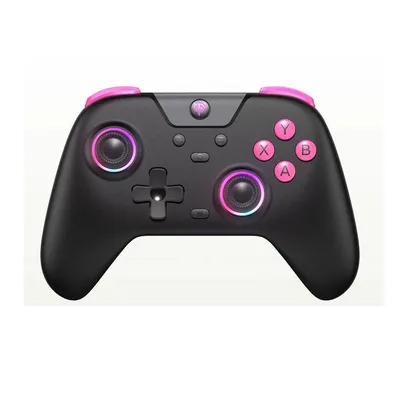
The Wireless Gamepad Controller is a versatile gaming peripheral that accommodates a variety of gaming platforms. It uses a Bluetooth connection for wireless functionality, enhancing flexibility and mobility during gameplay. This technology allows for a seamless response and minimal latency, critical for real-time gaming scenarios. The controller also comes with a dongle, further facilitating simple, wireless connectivity to devices that might not have built-in Bluetooth.
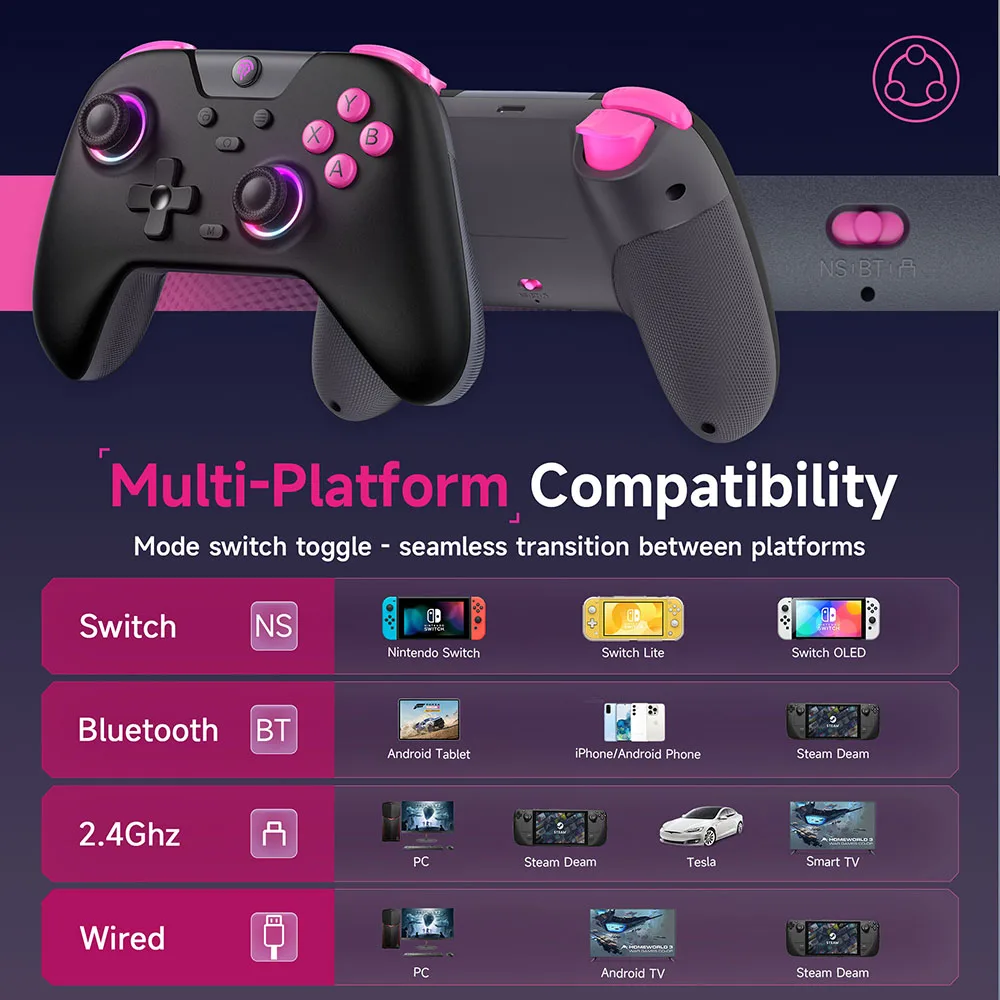
The controller is compatible with PC, phones, Nintendo Switch, and gamers on the Steam platform. This wide-ranging compatibility enhances its utility for a variety of gamers with different device preferences.
Moreover, it is equipped with a wired connection feature, offering an alternative mode of connection. This is especially useful when battery life is low, or for gamers preferring a wired connection to ensure uninterrupted gameplay.
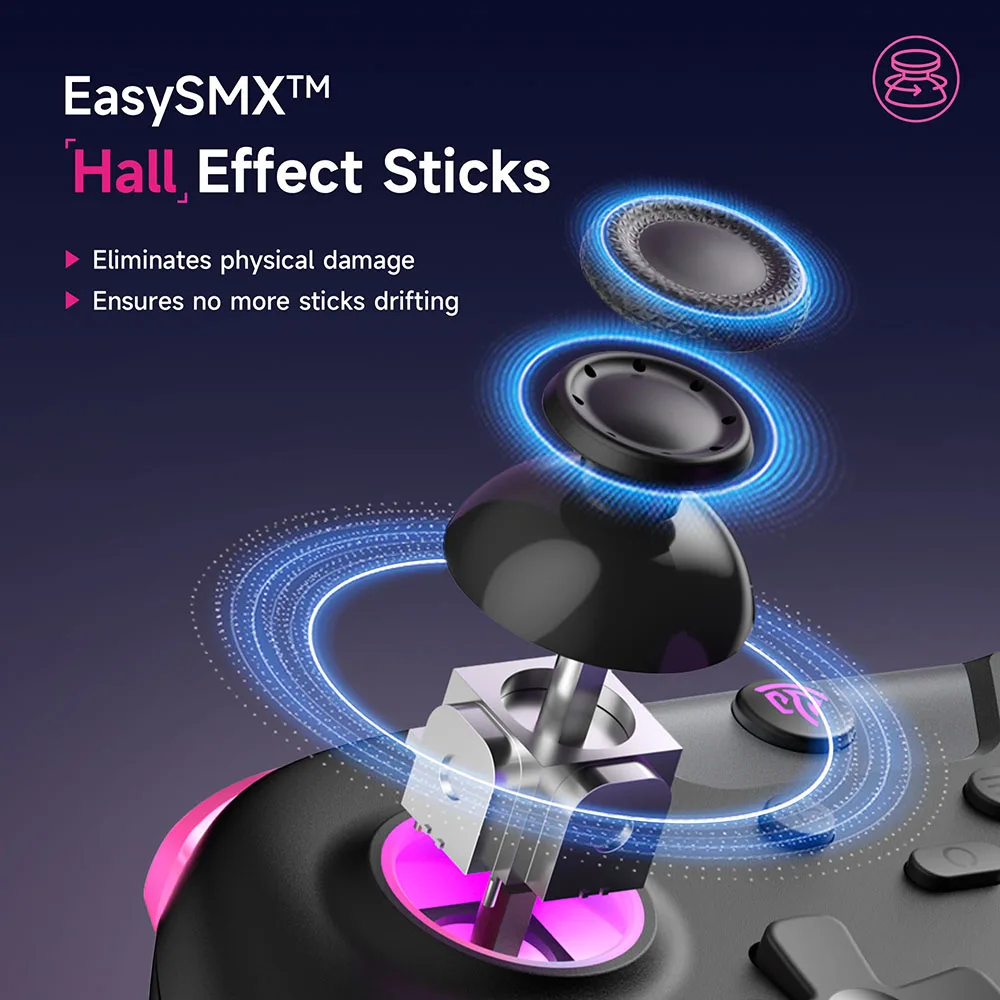
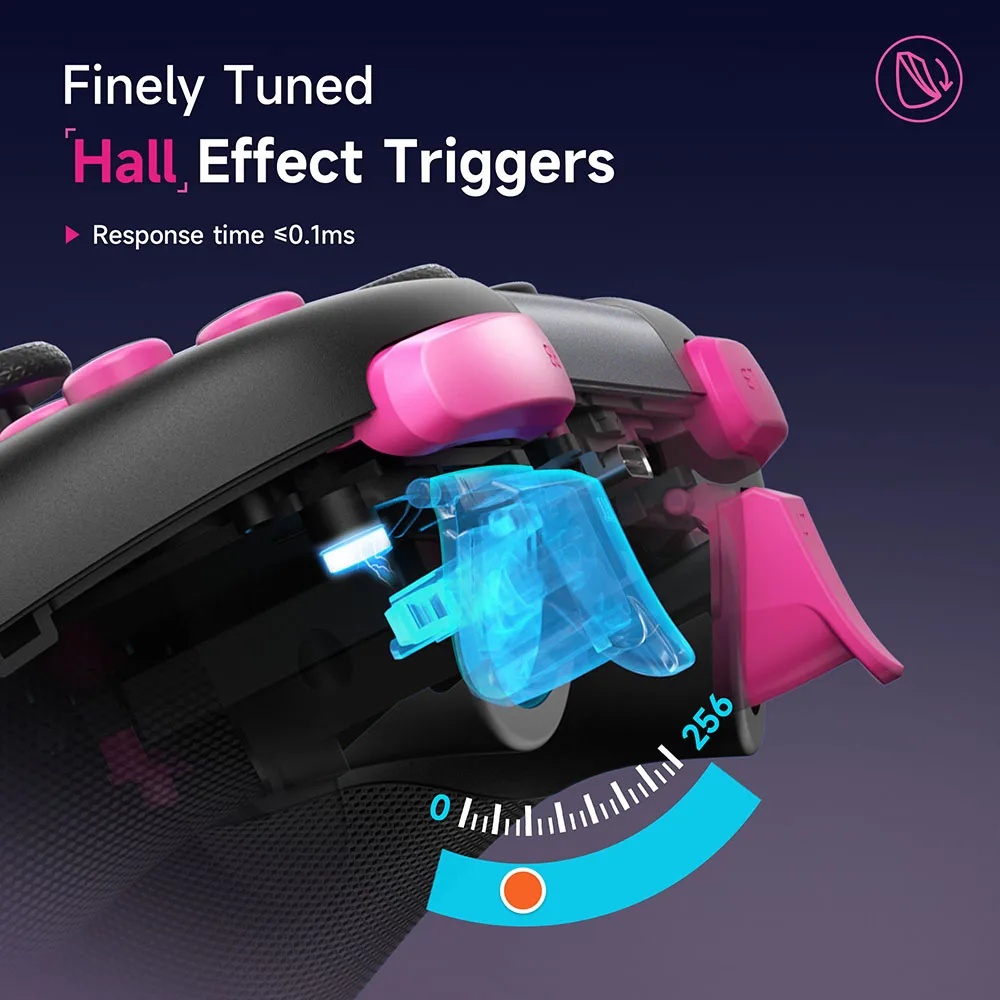
One of the product’s specifications is the Hall Effect sensor, a type of technology that offers high precision control. Such accuracy can significantly impact gaming performance, granting the player more precise and smoother control over their gameplay.
These features combined make this controller a well-rounded tool in gaming environments, facilitating enjoyable and effective gameplay across multiple platforms.
Connection How-to Video
Product Specifications
Model: EasySMX X05
Working Current: 90mA
Battery Specification: 750mAh
Sleep Current: 100uA
Input Voltage: 5V
Charging Time: 2-3H
Multiple Connection Modes
The X05 controller supports 2.4G Wireless, Bluetooth, and Switch connection modes, providing versatility in connecting to different devices like PC, Switch, Android, and iOS
Dual Hall Effects
Equipped with dual Hall effects, including Hall triggers and Hall joysticks, the controls are more precise and avoid drift in games
RGB Light Adjustment
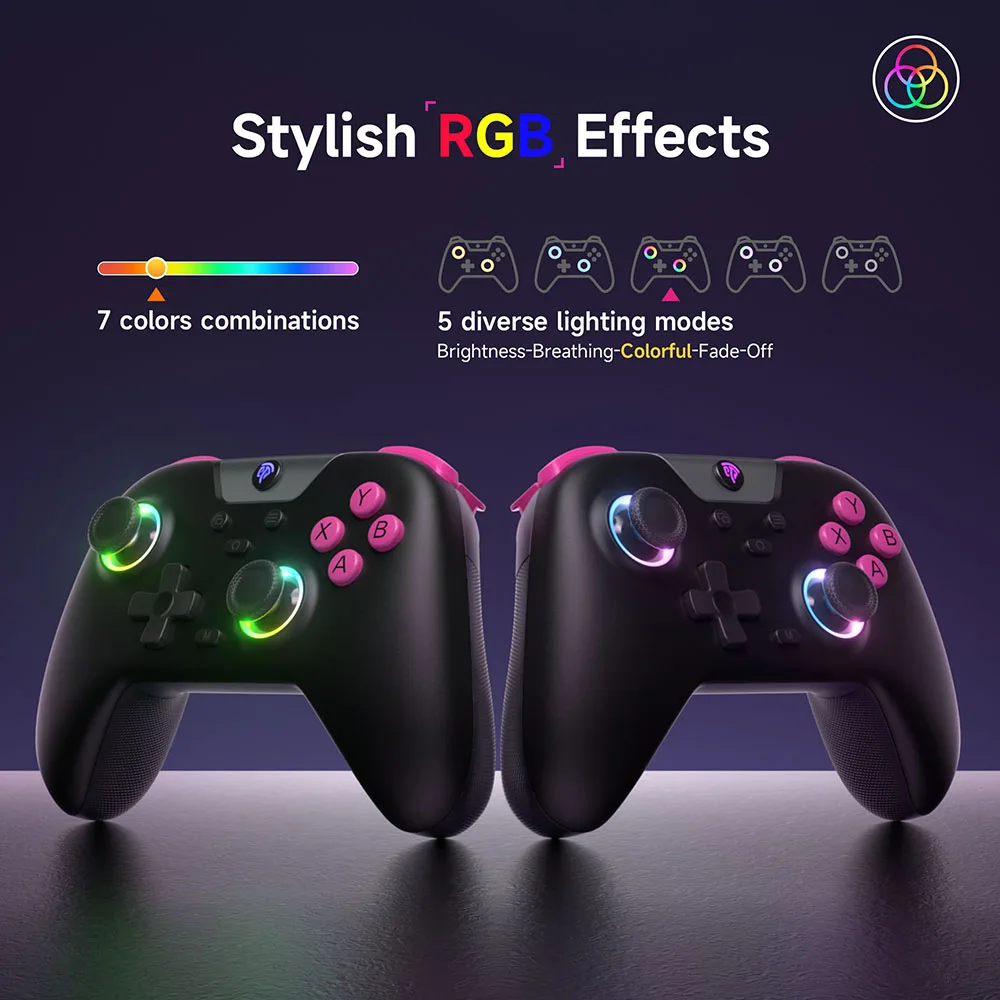
With the RGB adjustment mode, users can personalize their gaming experience by changing lighting modes, colors, and brightness levels via simple button combinations
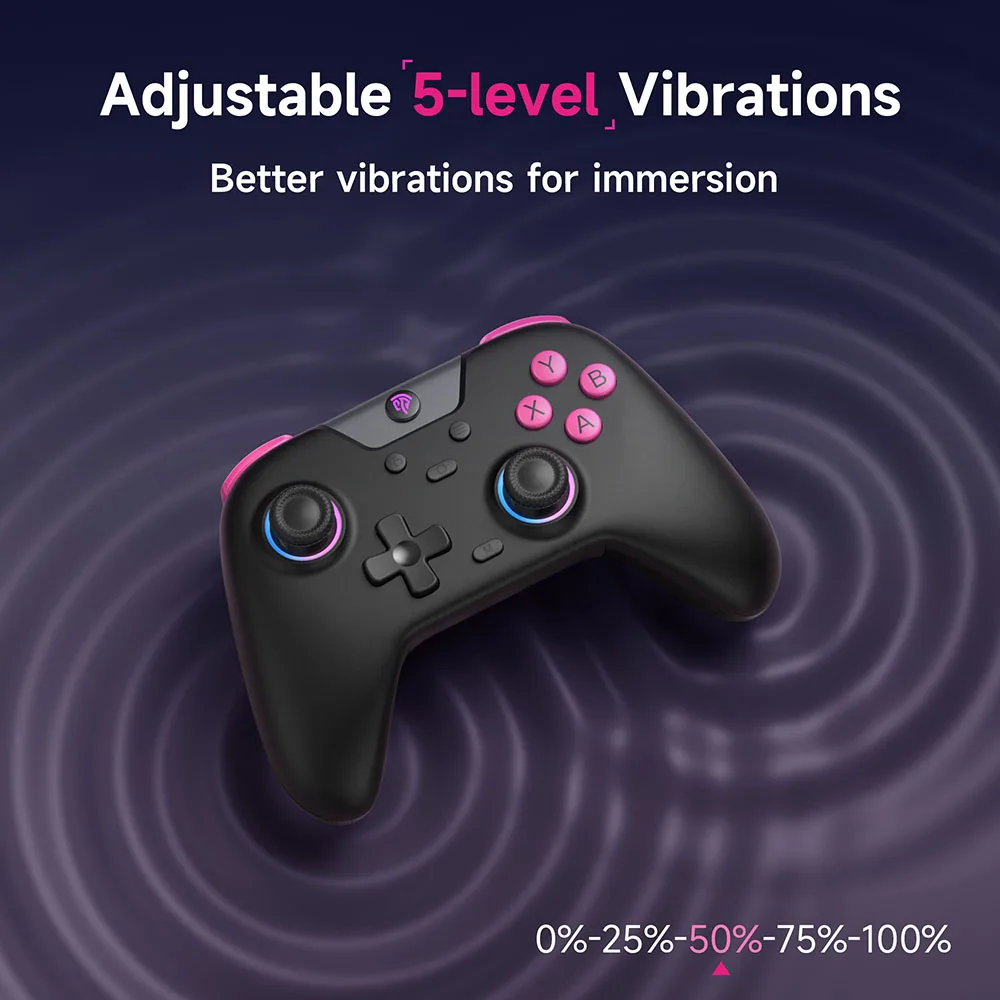
Vibration Adjustment
Users can customize vibration intensity by adjusting settings like M+Left joystick up to enhance vibration or M+Left joystick down to reduce it to various levels
Intelligent Power Saving Design
Automatic shutdown function, low power reminder function, and low sleep current design to ensure battery life and convenience
Joystick and Trigger Calibration
The controller allows for calibration by pressing HOME+BACK+B for 3 seconds, enabling precise adjustments to triggers and joysticks for optimal gaming experience
RGB Light Adjustment
Double-click the M button, the controller will vibrate briefly, and enter the RGB adjustment mode.
1. Change Lighting mode: Use the left joystick UP and DOWN to switch between light modes (steady-on, breathing, dazzling, gradient, off);
2. Change the lighting color: Use the left joystick LEFT and RIGHT to switch between light colors (red, orange, yellow, green, cyan, blue, purple);
3. Adjust the brightness: press M+L3.
After setting, press M briefly to exit the light adjustment mode.
Package List
1 x Wireless Controller
1 x Wireless Receiver
1 x Type-C Data Cable
1 x Product Manual
2 x Rocker caps
Reviews
There are no reviews yet.