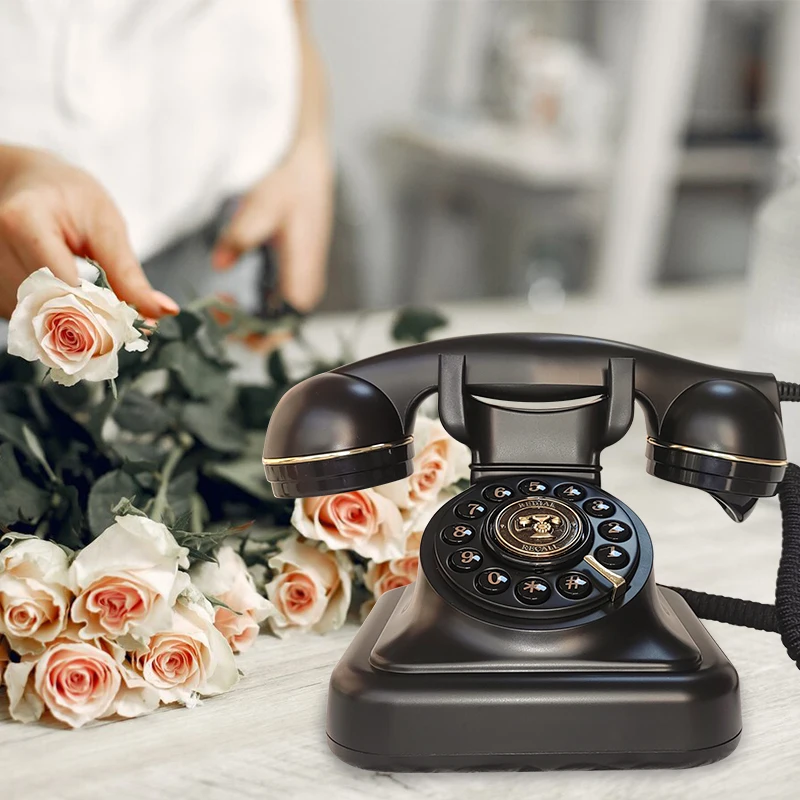
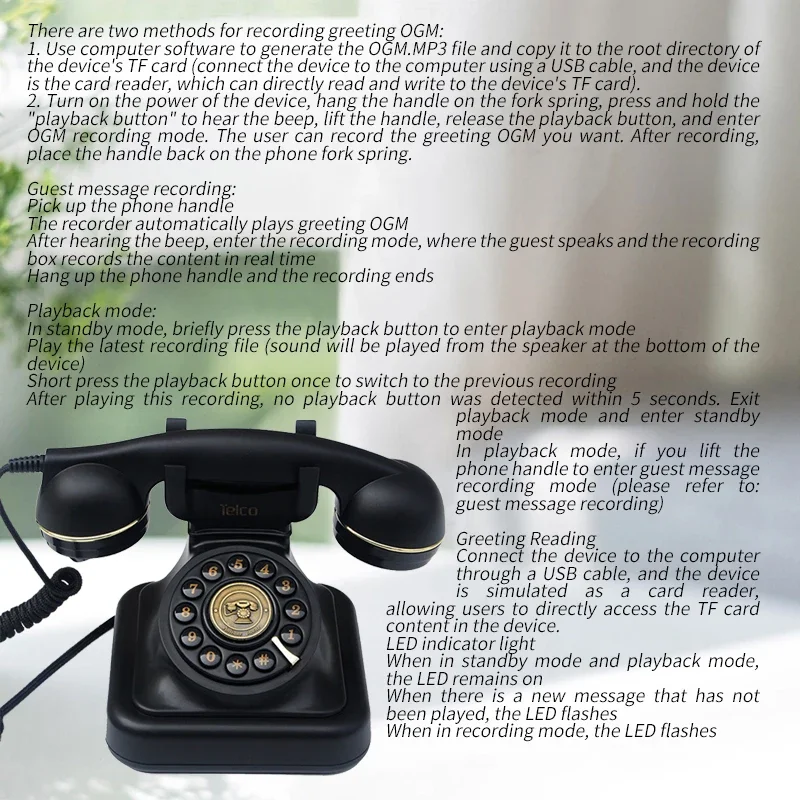
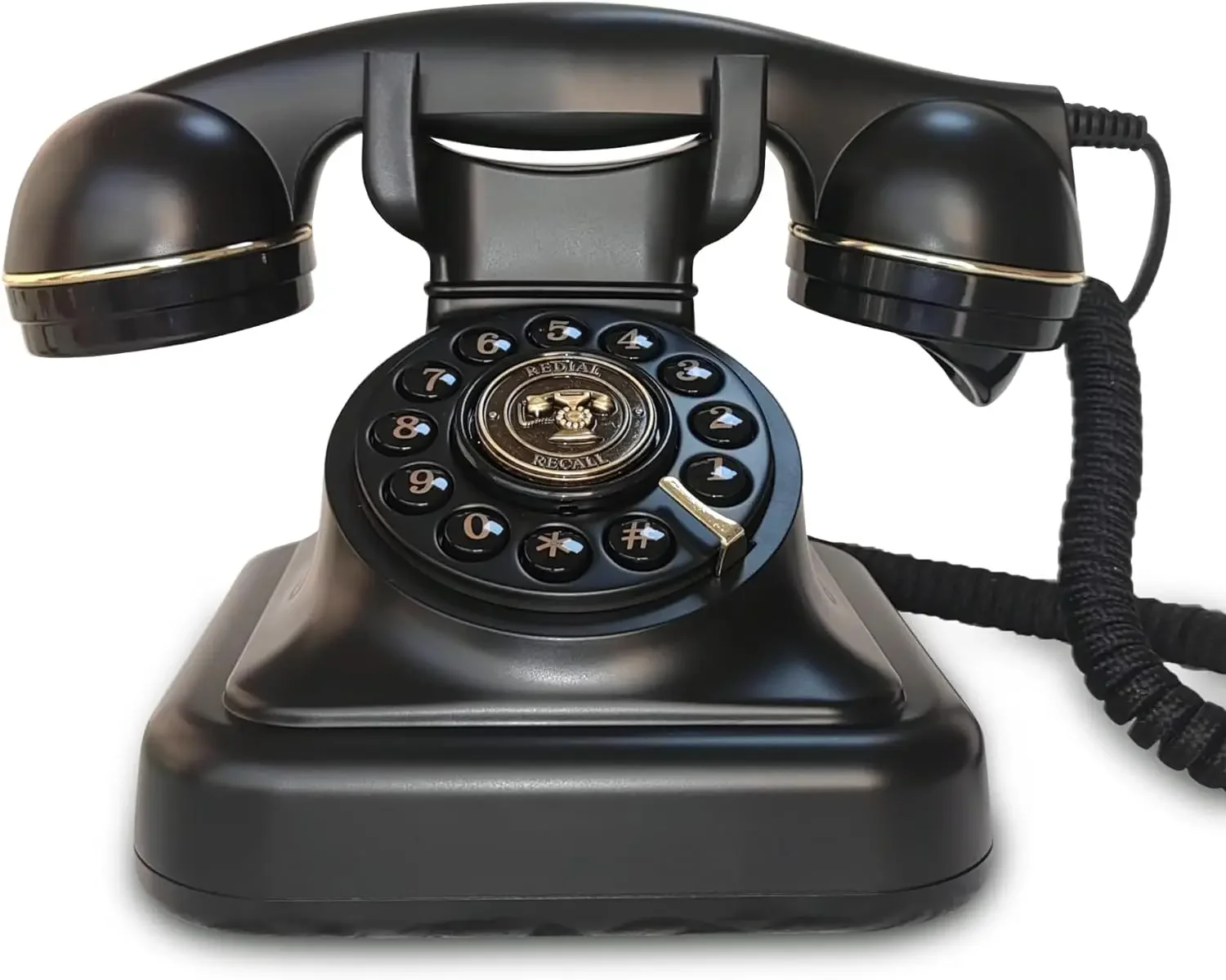
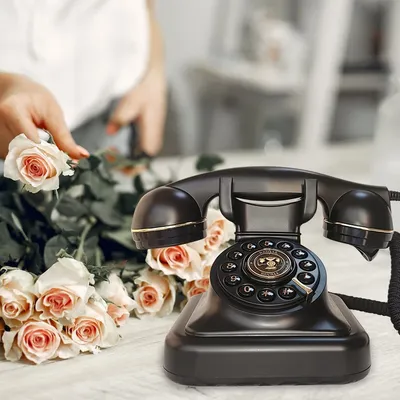
The Antique Wedding Guest Message Book is a vintage-inspired product which serves as a unique take on the traditional wedding guest book. This device, looking like an antique telephone, allows wedding guests to record voice messages for the happy couple. It has a sophisticated, old-world design that enhances the aesthetic appeal of any wedding.
Much more personal than a written note, the recorded voice messages offer guests an opportunity to express their heartfelt, impromptu wishes to the bride and groom, which can be played back for years to come. As later generations may never have the chance to hear these voices otherwise, it provides a precious audio memory.
Another feature of the product is the confession voicemail. This gives the couple and/or guests an entertaining outlet to share secret confessions, amusing anecdotes, or pent-up emotions in a fun, anonymous manner, adding a compelling twist to the wedding festivities.
In essence, the Antique Wedding Guest Message Book is a keepsake of voices that weaves a memorable auditory tapestry from a wedding day- a day of love, joy, and heartfelt conversations, preserved to be relived and cherished forever.
Introduction:
Unique sound imprint
True blessings and emotions
Personalized Blessing Elements
Long lasting and precious memories
Easy to use operation
This is a demonstration of our voice message book operation. Our audio message book provides you with unlimited recording potential. Use it as a voice message book for your wedding, prepare a message board for your party, and have your loved ones record a message during celebrations of life or funerals. It can be used anywhere you need it. Our old-fashioned audio recording phone is the ultimate way to capture your guest information. Simply pick up the phone, leave your message after the end, and then hang up, making it very easy and interesting for guests to leave their own message for your special occasion.
Introduction to Audio Message Book Functions
1. Guest message recording:
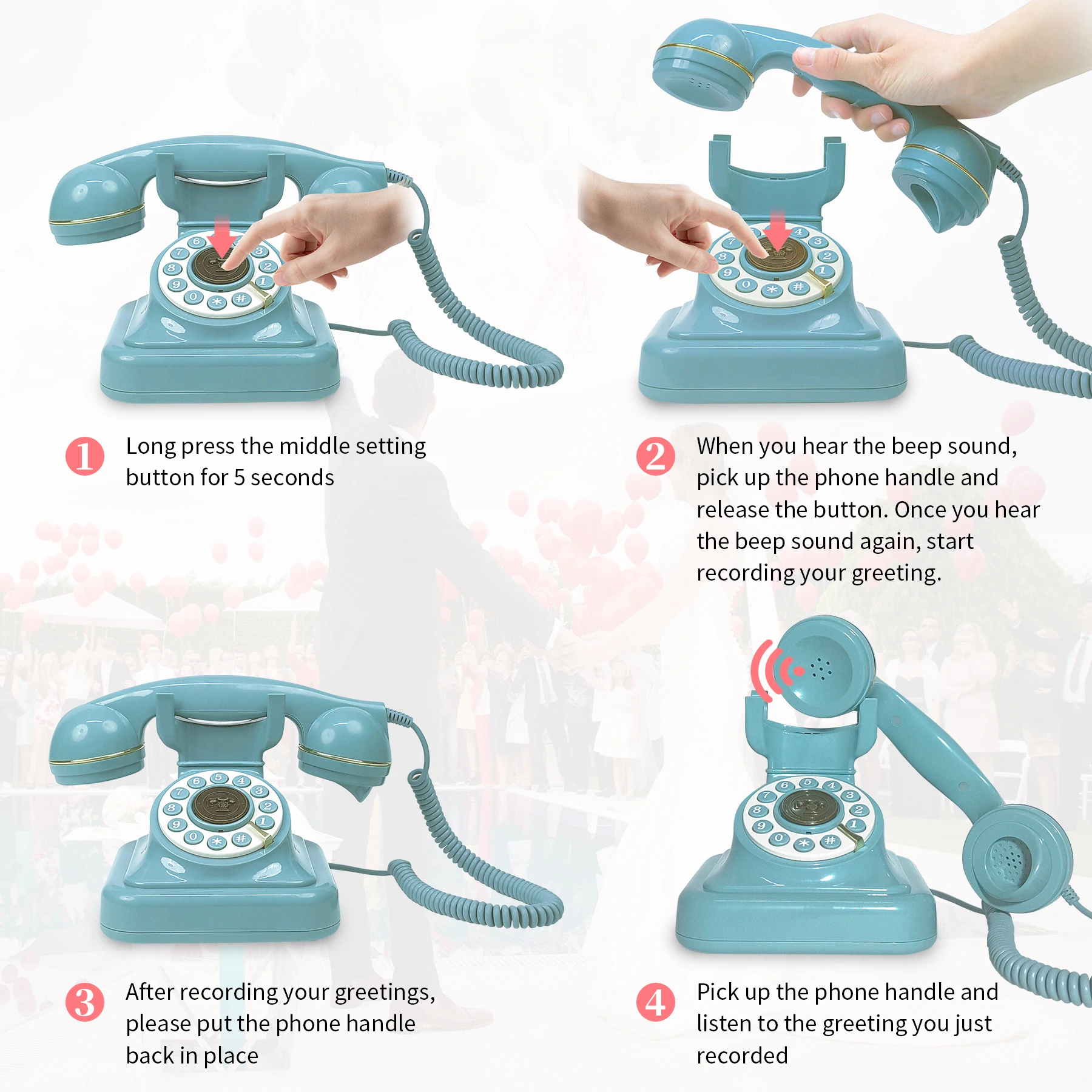
Pick up the phone handle
The recorder automatically plays the owner’s greeting OGM file
After hearing the beep, enter the recording mode, the guest speaks, and the recording box records the content in real time
Hang up the phone handle and the recording ends.
2. Greetings Reading
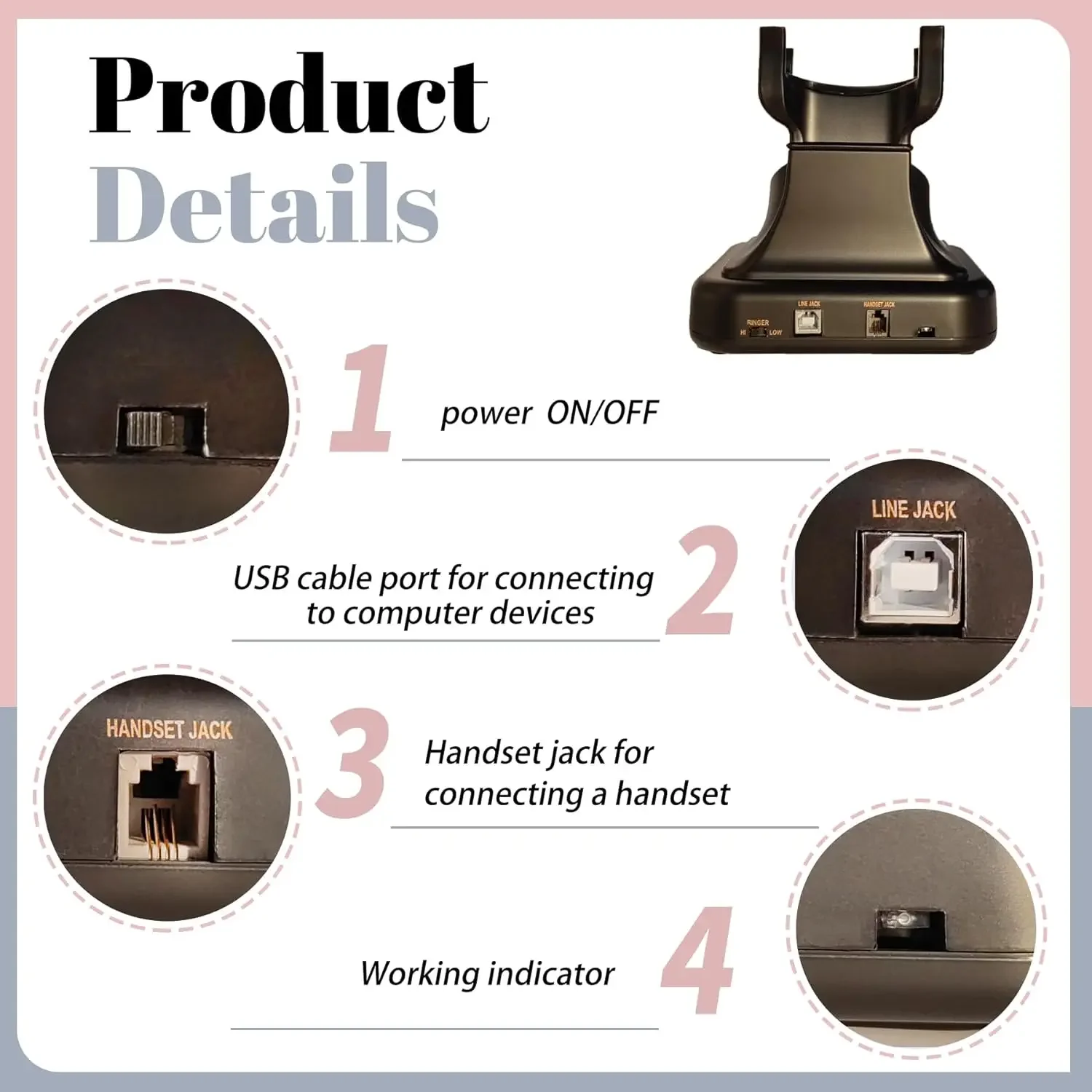
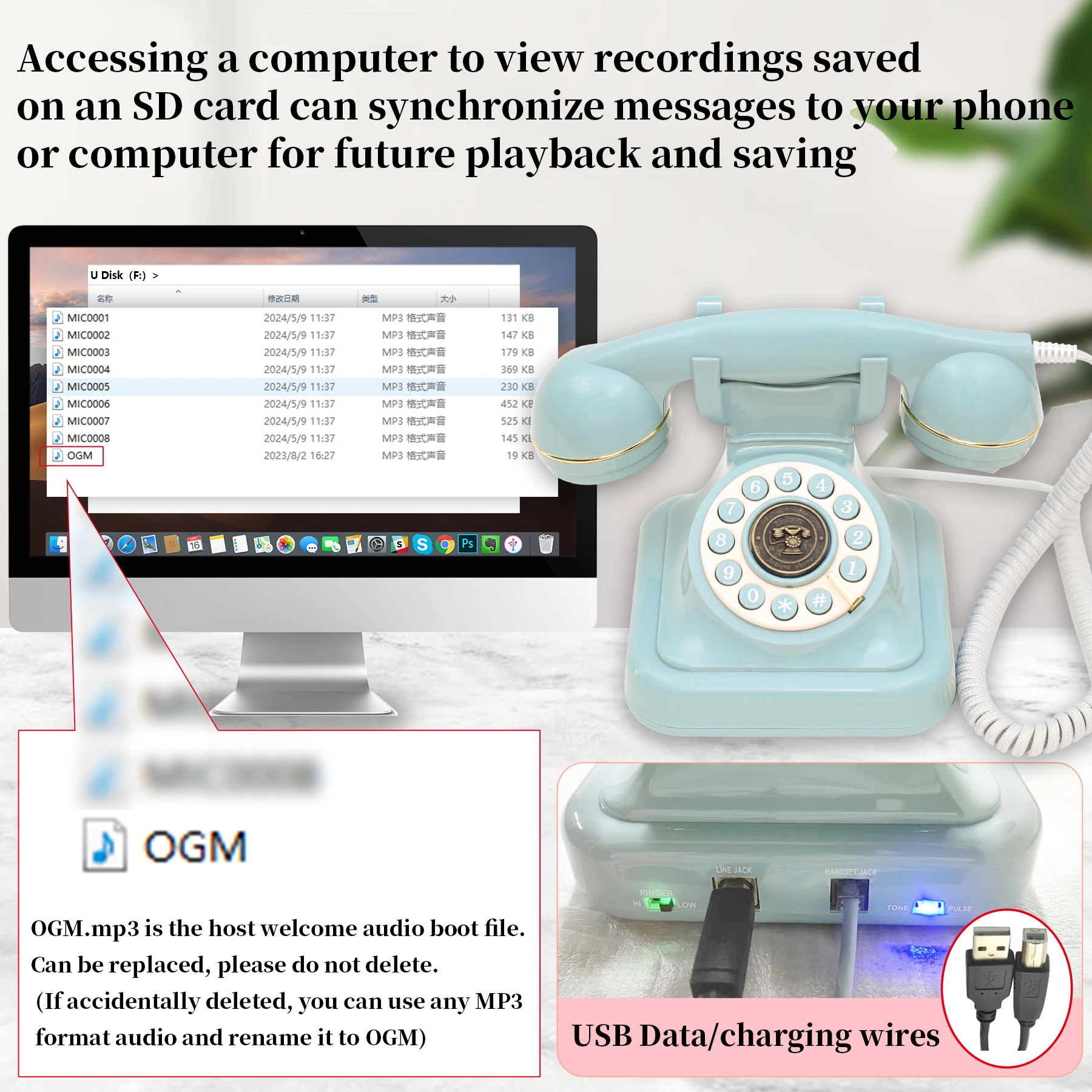
Connect the device to the computer via a USB cable, and the device is simulated as a card reader, allowing users to directly access the TF card content in the device to organize guest audio data.
3. Playback method:
In standby mode, short press the play button to enter play mode
Play the latest recording file (sound will be played from the speaker at the bottom of the device). Short press the play button to switch to the previous track. After playing this recording, the play button is not detected for 5 seconds. Exit playback mode and enter standby mode. In playback mode, if you lift the phone handle to enter guest information recording mode (see: guest information recording)
4.How to change the host greeting (OGM):
Copy the recorded audio file (in MP3 format) to the device’s memory directory, rename OGM, and disconnect the device from the computer to take effect.
If you have any other questions, you can contact the online customer service of the store. Thank you.


Reviews
There are no reviews yet.