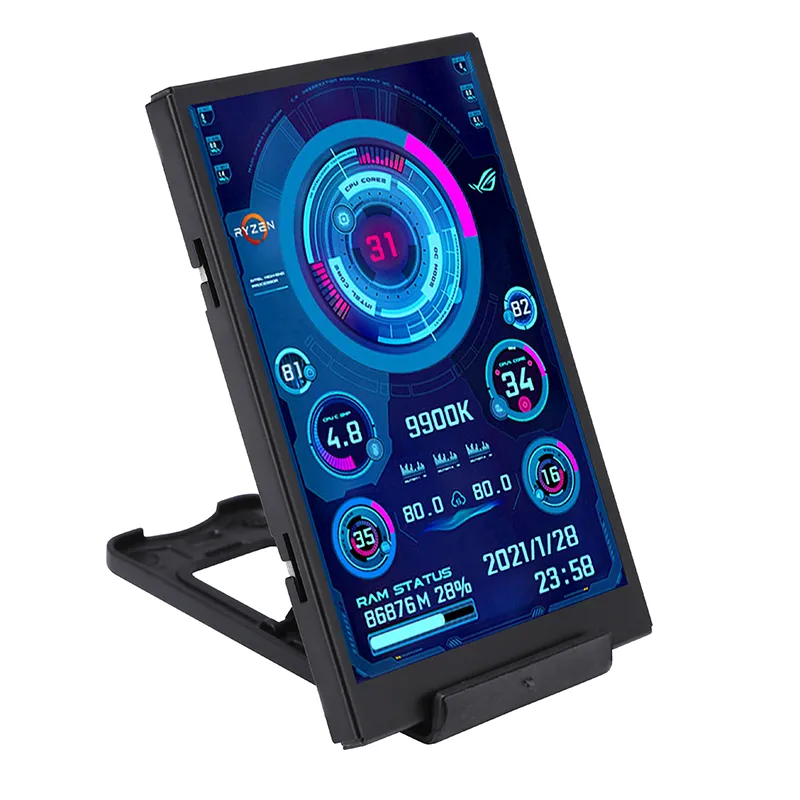
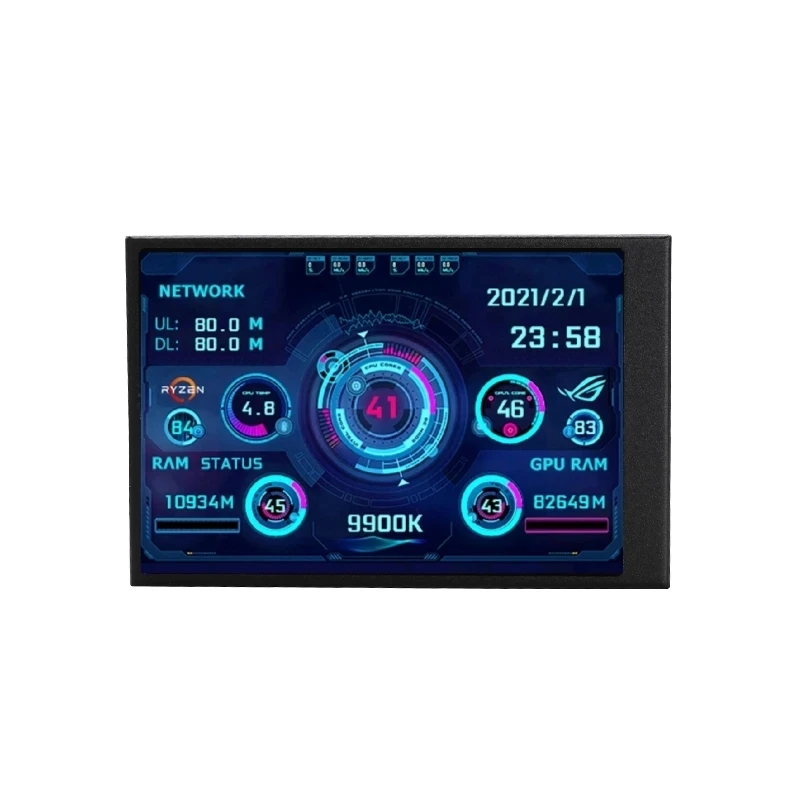
The 3.5 Inch IPS Type-C Secondary Screen Computer CPU GPU RAM HDD Monitor is a compact device designed to monitor and display key information about the computer’s performance. This includes data such as the usage of the CPU, GPU, RAM, and HDD. The device connects to the computer via a Type-C USB, ensuring fast and efficient data transfer.
In terms of physical characteristics, this product is compact with a screen size of 3.5 inches. The screen employs IPS (In-Plane Switching) technology, which ensures high-quality visual outputs that are easy to read and vibrant. This small, yet precise display allows users to monitor their computer’s performances in real-time without taking up significant desk space.
The monitor uses the AIDA64 system detection tool, a renowned software for detecting changes in system performance. Its integration with AIDA64 ensures reliable and accurate readings of the performance measures. The device is designed with convenience in mind, and it provides a secondary source of essential information independent of the main screen, so users can continue with their computing tasks unhindered. The device extracts information directly from the system without the need for additional software or complicated setups.
Features
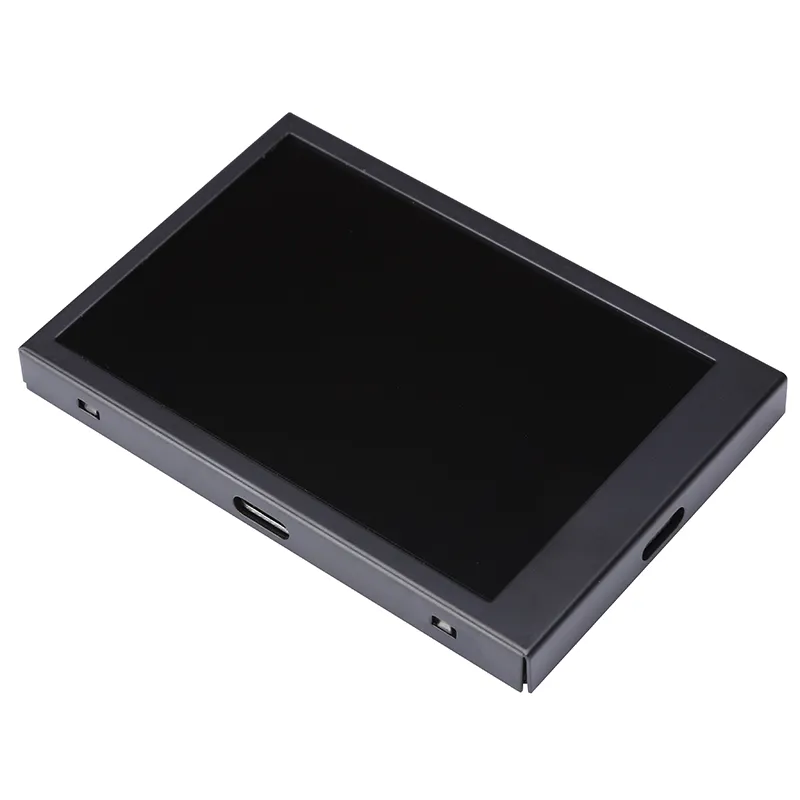
Metal case, with back cover
Only a USB type-c cable to make it work, don’t need HDMI cable
Support Windows only
Use own software, not AIDA64
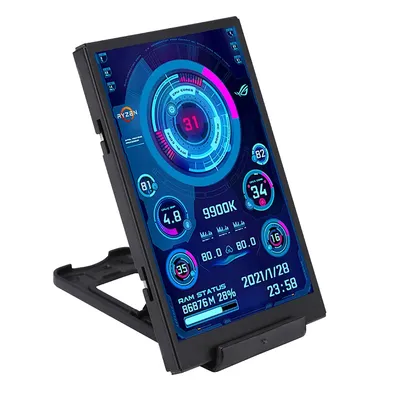
Support horizontal and vertical screen switching,360°rotation
Energy saving and environmental protection
Turn off the screen automatically after shutdown
Comfortable eye protection
Brightness stepless adjustment
The type-c connect to the secondary screen, USB connect to the computer, come with one meter cable
Professional software,one-click operation
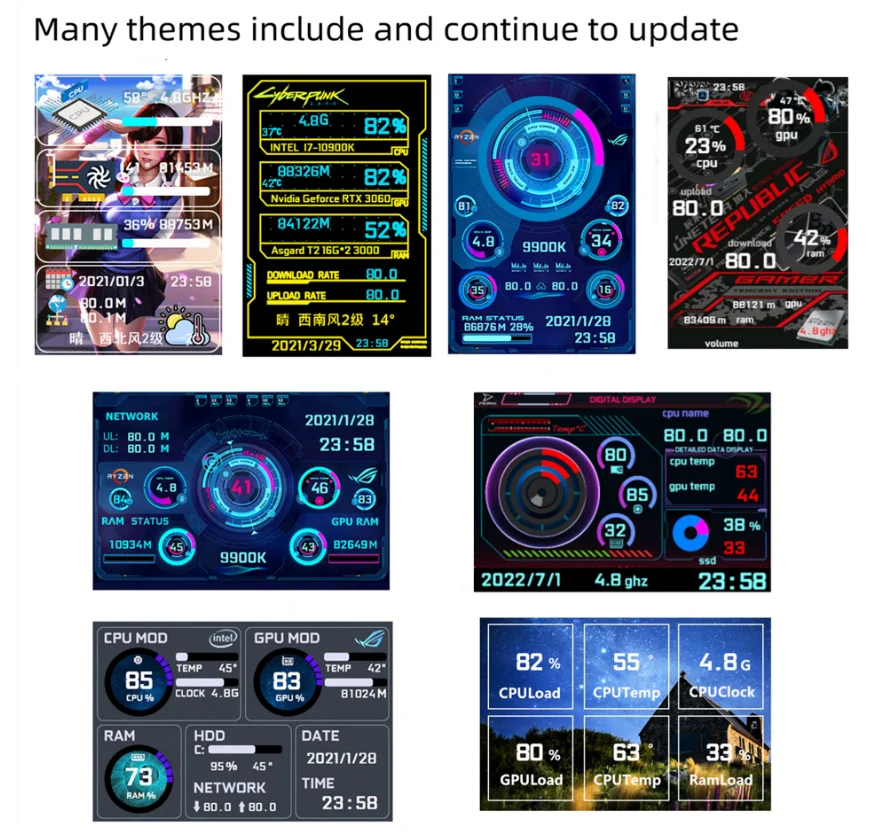
Change background image with one click
One-click switch theme
Adjust brightness
Auto-start at boot
Set weather forecast of city
Parameters
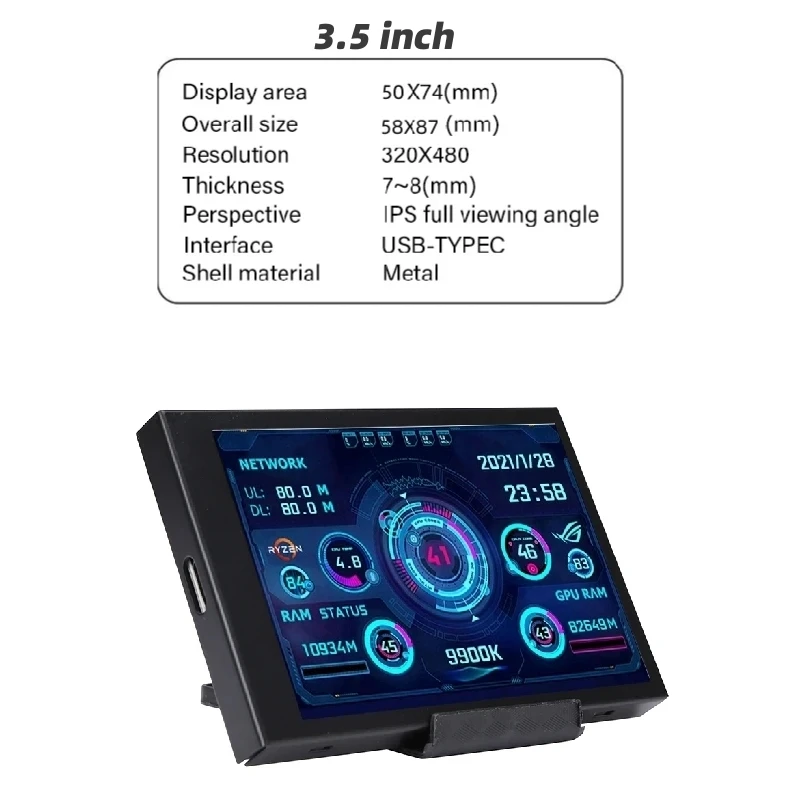
Display area: 50*74mm
Dimensions: 58*87mm
Resolution: 320*480
Thickness: 7~8mm
Viewing angle: IPS full viewing angle
Interface: USB-TYPEC
Software
Download link:
//www.adrive.com/public/GEnScZ/0128158%2035inchENG.rar
Or
//drive.google.com/file/d/1C9kKLrdNBqP3G4Ei7wjNmx0m_ZX8aPYi/view?usp=sharing
Interface:
Q&A
1. How to use?
Connect the mini secondary screen to your computer, and then start our customized software, no need for AIDA64, no need for other cumbersome settings
2. Why doesn’t the graphics card data move?
General notebook users generally use independent monitors on standby, and only use the core monitor to save power, and the secondary monitor monitors the more important independent monitor. Of course, the graphics card monitors the data does not change.
3. Can other content be displayed?
No, it can only display the content of custom software settings
4. USB interface version?
USB1.0 USB2.0 USB3.0 unlimited, as long as it is USB
Pictures from buyers
Package include
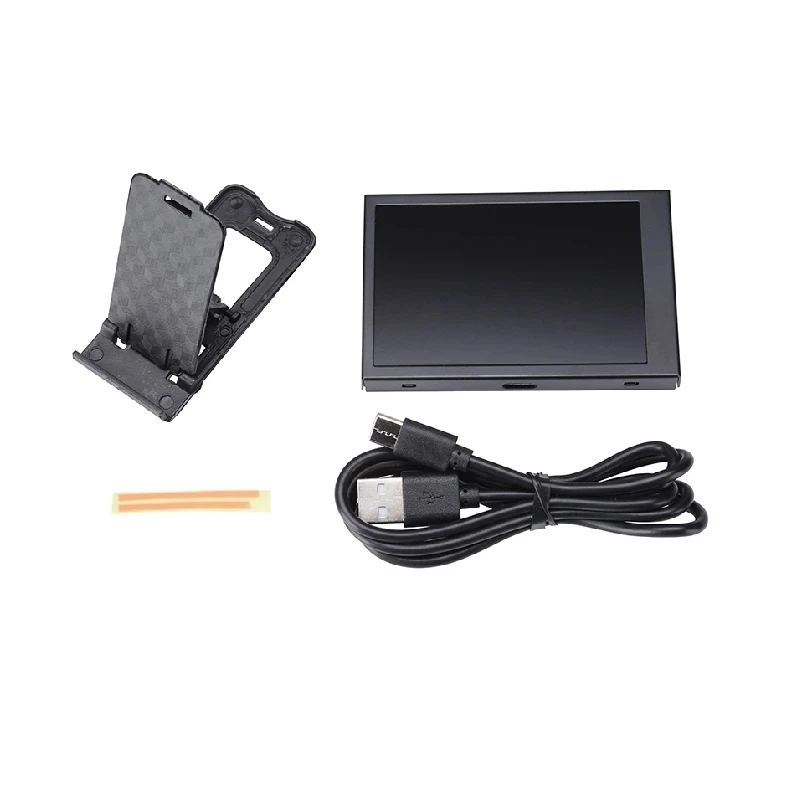
1 x 3.5 inch display
1 x USB type-c cable
1 x Bracket
1 x Double-sided tape

Reviews
There are no reviews yet.