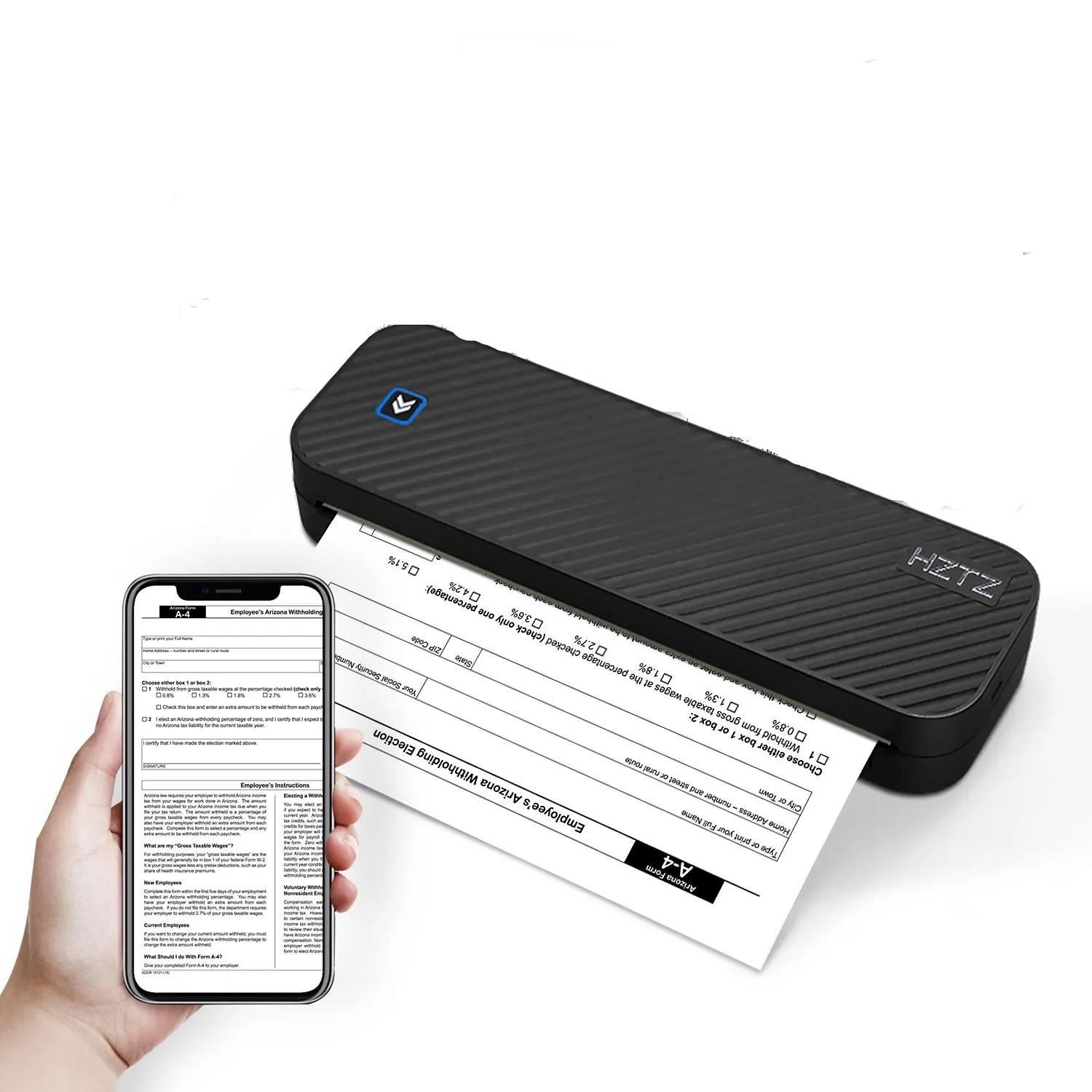
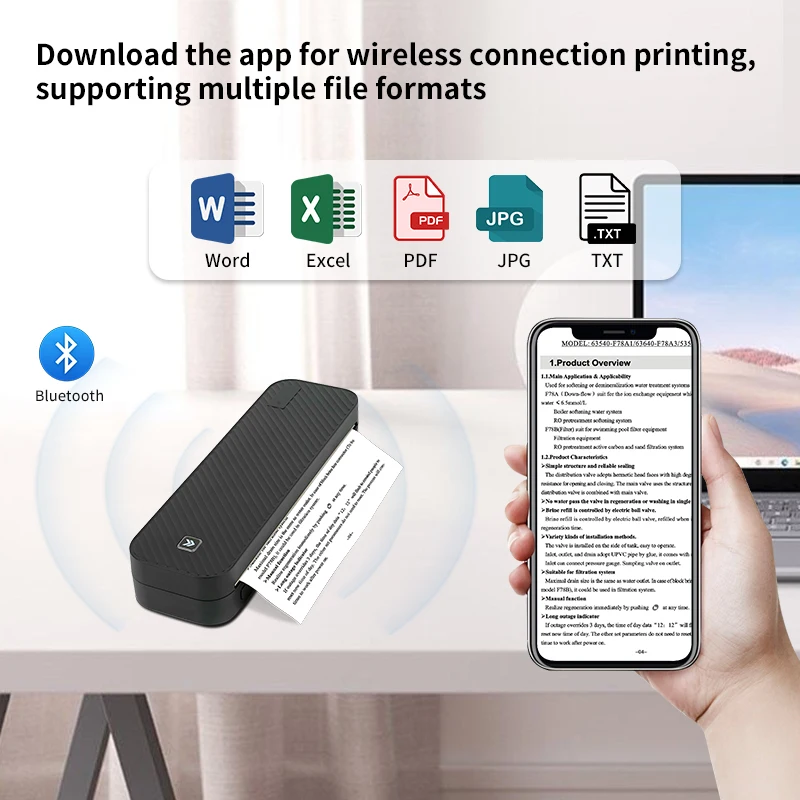
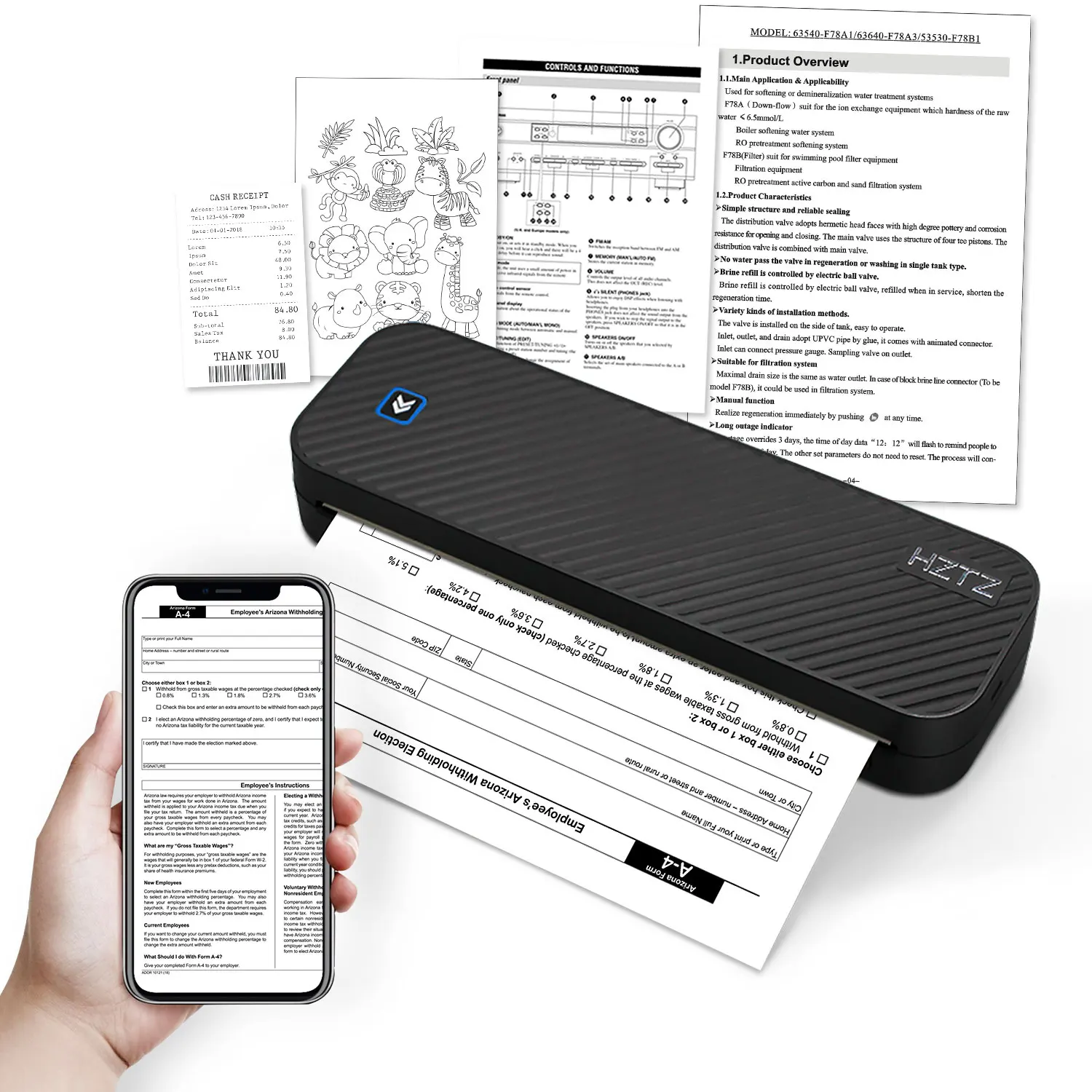
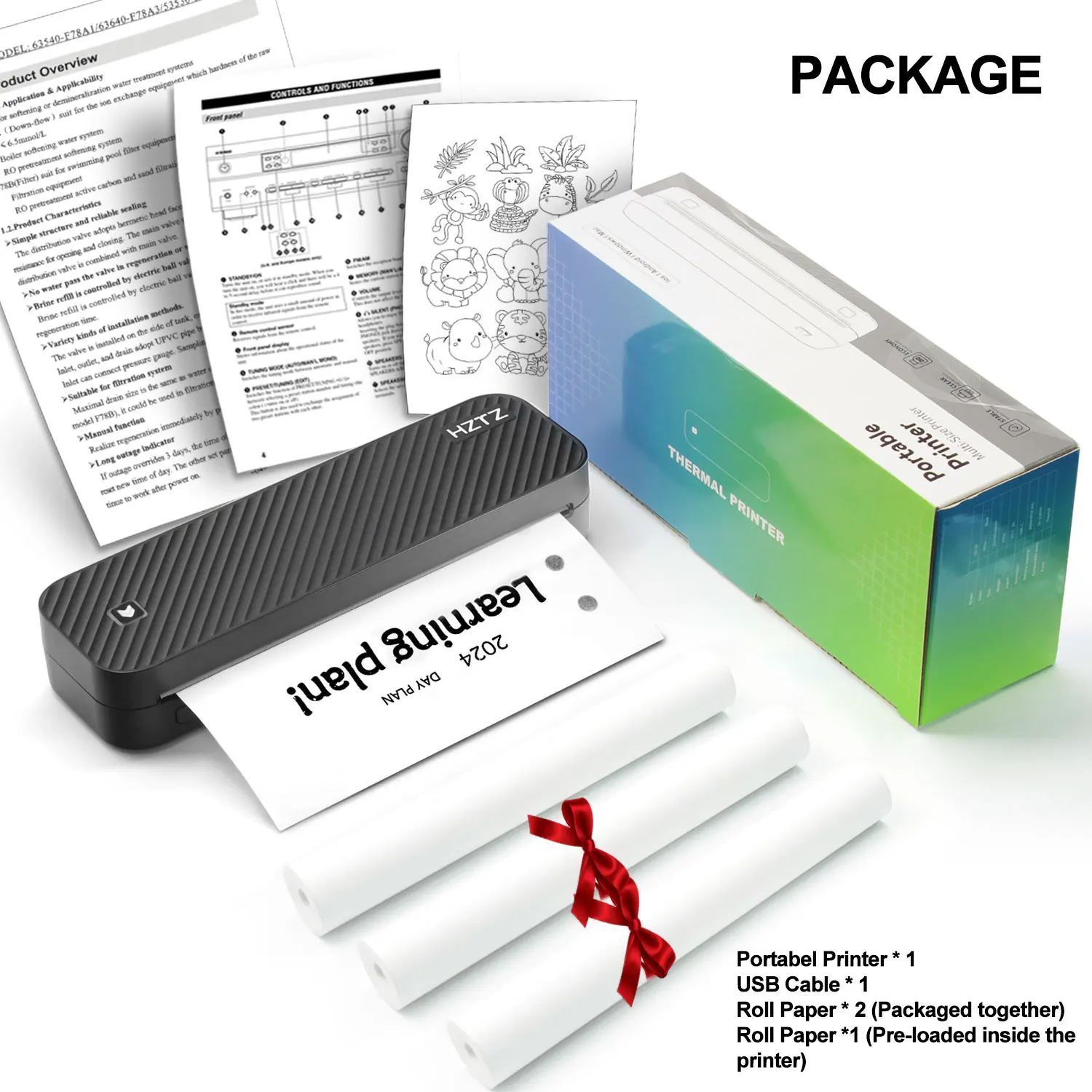

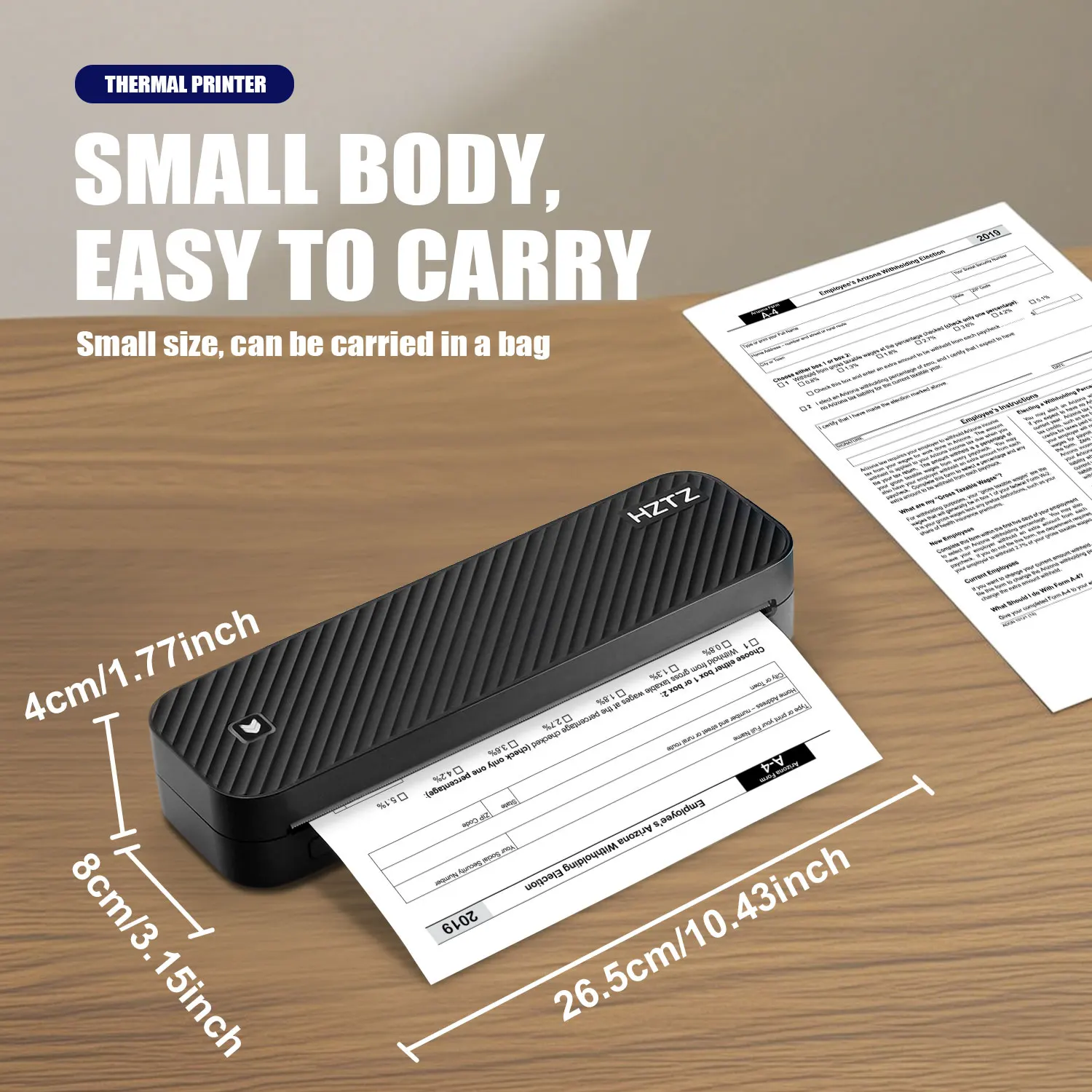
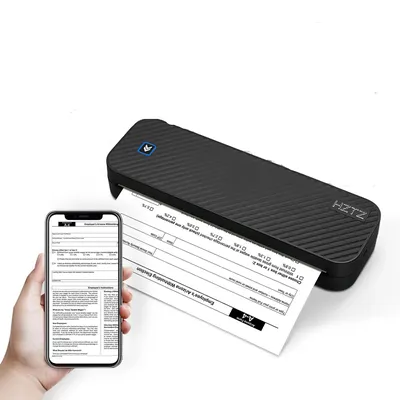
The Inkless Portable A4 Thermal Printer is a versatile tool ideal for working professionals, students, or homeowners who regularly need to print documents. This plug-and-play device expels the need for ink, saving cost, and eliminating the hassle of refills. Owing to its thermal printing technology, it offers a convenient way of producing clear black and white prints. This machine connects to devices through Bluetooth and is proficient in printing documents in various formats such as PDF, Excel, and Word.
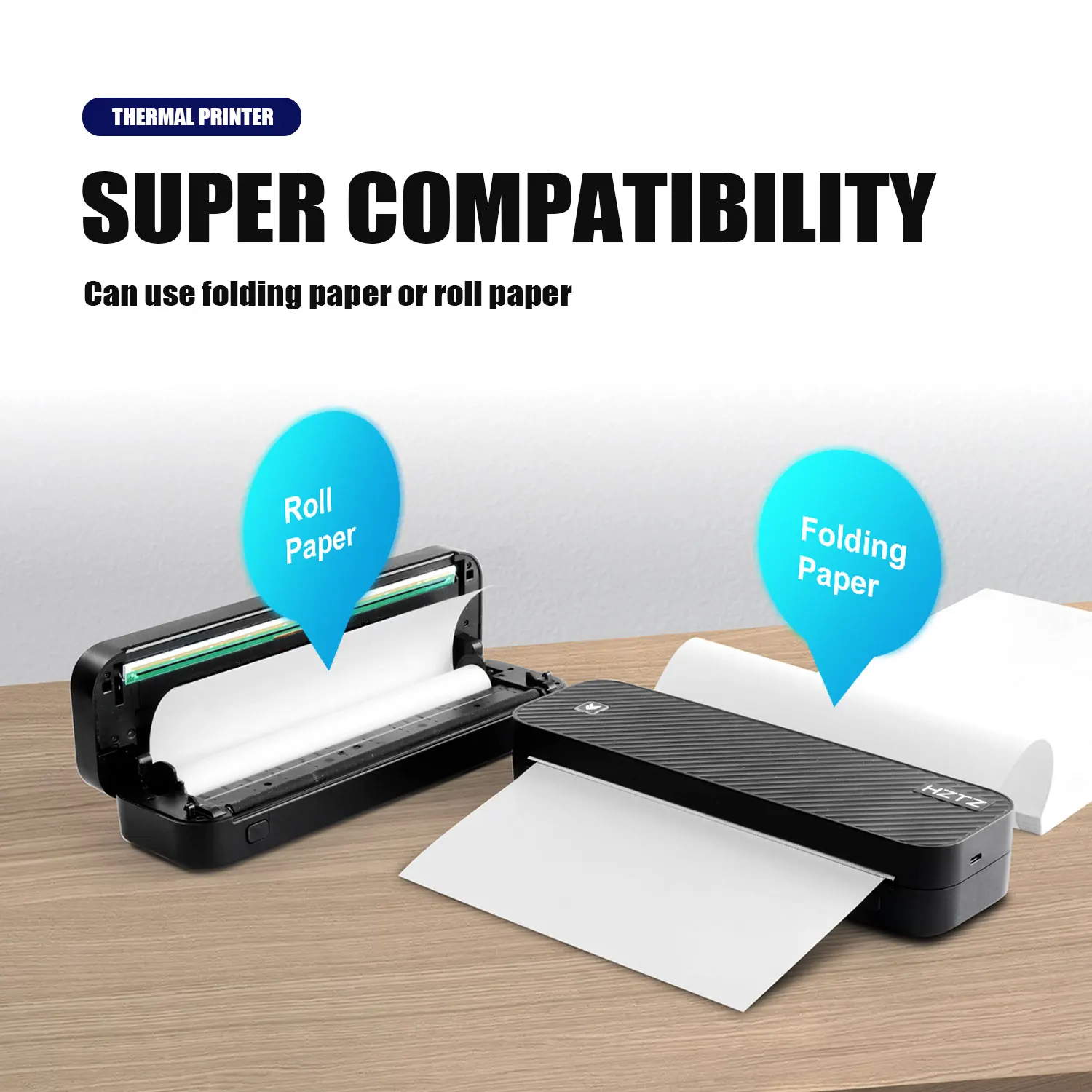
The printer is characterized by its handy, portable design, making it an easy fit in a range of settings, from offices to homes, and even for travel. It relies on the use of A4 size thermal paper rolls, which are simple to install and replace. Importantly, the usage of this machine is ecological as it minimizes the waste usually generated by traditional ink cartridges. The Inkless Portable A4 Thermal Printer provides a smooth and consistent performance for an array of printing tasks, be it for academics, business, or personal purposes. It simplifies printing by merging technological advancement with user-friendly operation and environmental sustainability.
iPhone Mobile App Printing
·Step 1: Press and hold the power button for 2 seconds to turn on the printer.
·Step 2: Search 【EasyPrint】and download App in the mobile app store.
·Step 3: Open the App,and search for the connected printer according to the prompts in the App.
Or double click the power button to print the QR code, and scan the code with the App to
connect to the printer. (Tips: Don’t connect printer in the mobile phone Bluetooth settings.)
·Step 4: Select and edit the content to be printed in the App,confirm and print.
App download:Find ” EasyPrint “on Google Play Or App Store.
Computer Printing
·Step 1: Press and hold the power button for 2 seconds to turn on the printer.
·Step 2: Connect the printer to computer with the original UsB cable.
·Step 3: Visit the official website//g zhztz.com/en/to download and install printer driver.
·Step 4: When printing the required documents, select the printer to print.

Reviews
There are no reviews yet.